Snapshot Widget
Overview
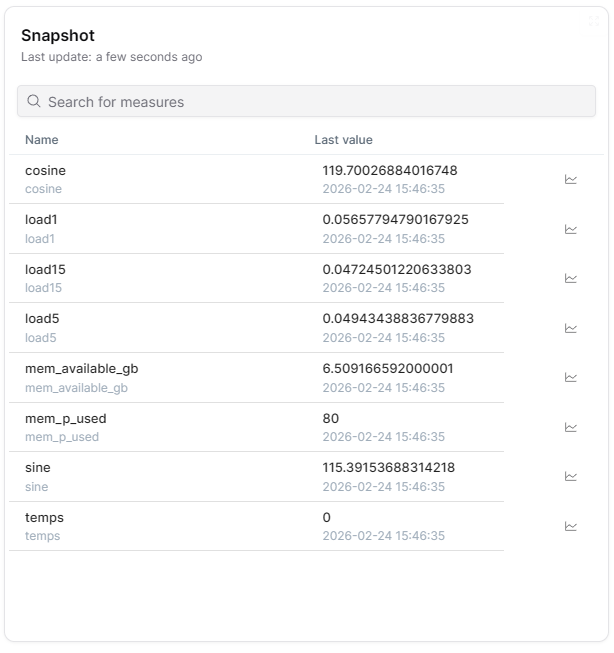
The Snapshot widget displays a searchable table of all measures for a selected Thing, showing each measure's latest (snapshot) value and timestamp. It provides a comprehensive real-time overview of all telemetry data from a device in a compact tabular format.
Use Cases
- Device Overview - View all current measure values for a Thing at a glance
- Quick Diagnostics - Quickly check latest readings across all sensors
- Measure Discovery - Search and browse all available measures for a device
- Value Verification - Verify current telemetry values with timestamps
- Chart Navigation - Click on any measure row to open a detailed chart query
Key Features
- Table of all measures with latest values
- Search and filter by measure name
- Sortable columns
- Unit of measure display
- Last update timestamps
- Click-through to chart queries
Best Practices
- Use for Full Device View - Ideal when you want to see all measures at once rather than selecting specific ones
- Search Feature - Use the search bar to quickly find specific measures in large measure sets
- Chart Drill-Down - Click on measure rows to navigate to detailed chart views
- ThingType Dashboards - Works automatically in ThingType dashboards by showing measures for the current Thing
What's Next?
- Compare Widget - For value comparison