Image Widget
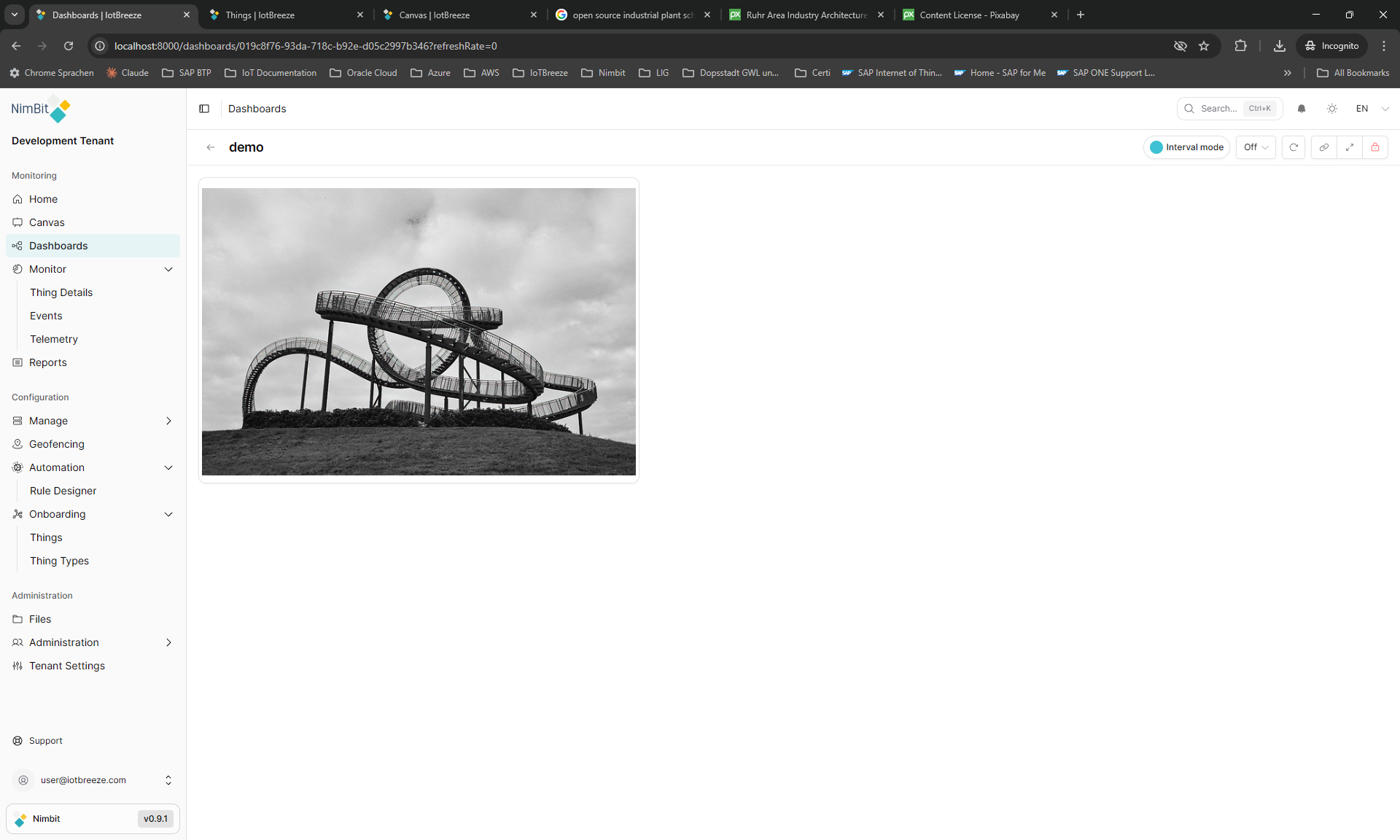
Overview
The Image widget displays a static image in your dashboard from either an uploaded file (OCB storage) or an external URL. Use it to show product images, diagrams, logos, or visual references with configurable scaling (cover or contain).
Use Cases
- Visual References - Display blueprints, diagrams, or schematics
- Product Display - Show product images or thumbnails
- Branding - Add logos and corporate imagery
- Documentation - Include visual guides or instructions
- Static Content - Display any relevant imagery
Key Features
- Upload images or link external URLs
- Image scaling: cover or contain modes
- Customizable border and background
- Standalone widget (no measures required)
- Responsive sizing
Configuration
The Image widget is a standalone widget that doesn't require measures or properties. It displays static images from uploaded files or external URLs.
Basic Settings
| Field | Required | Description |
|---|---|---|
| Object Fit | ✅ Yes | How the image fits: contain or cover |
| File | ✅ Yes | Source type: upload or external (URL) |
Display Settings
| Field | Description |
|---|---|
| Object Fit | contain - Fit image within bounds, preserve aspect ratio |
cover - Fill entire area, may crop image |
Display Options
| Field | Required | Description |
|---|---|---|
| Transparent | ❌ No | Remove widget background |
| Border color | ❌ No | Custom border color |
| Background Color | ❌ No | Custom background color |
Best Practices
- Image Optimization - Use appropriately sized images
- Alt Text - Always provide accessibility descriptions
- Fallback Images - Configure fallback for failed loads
- Image Format - Use web-optimized formats (WebP, PNG, JPG)
- Loading Performance - Consider image caching strategies
What's Next?
- Canvas Widget - For custom graphics