General Settings
The General page contains basic tenant information and image upload options. You can save your changes or reset all tenant settings to their defaults using the buttons in the top-right corner.
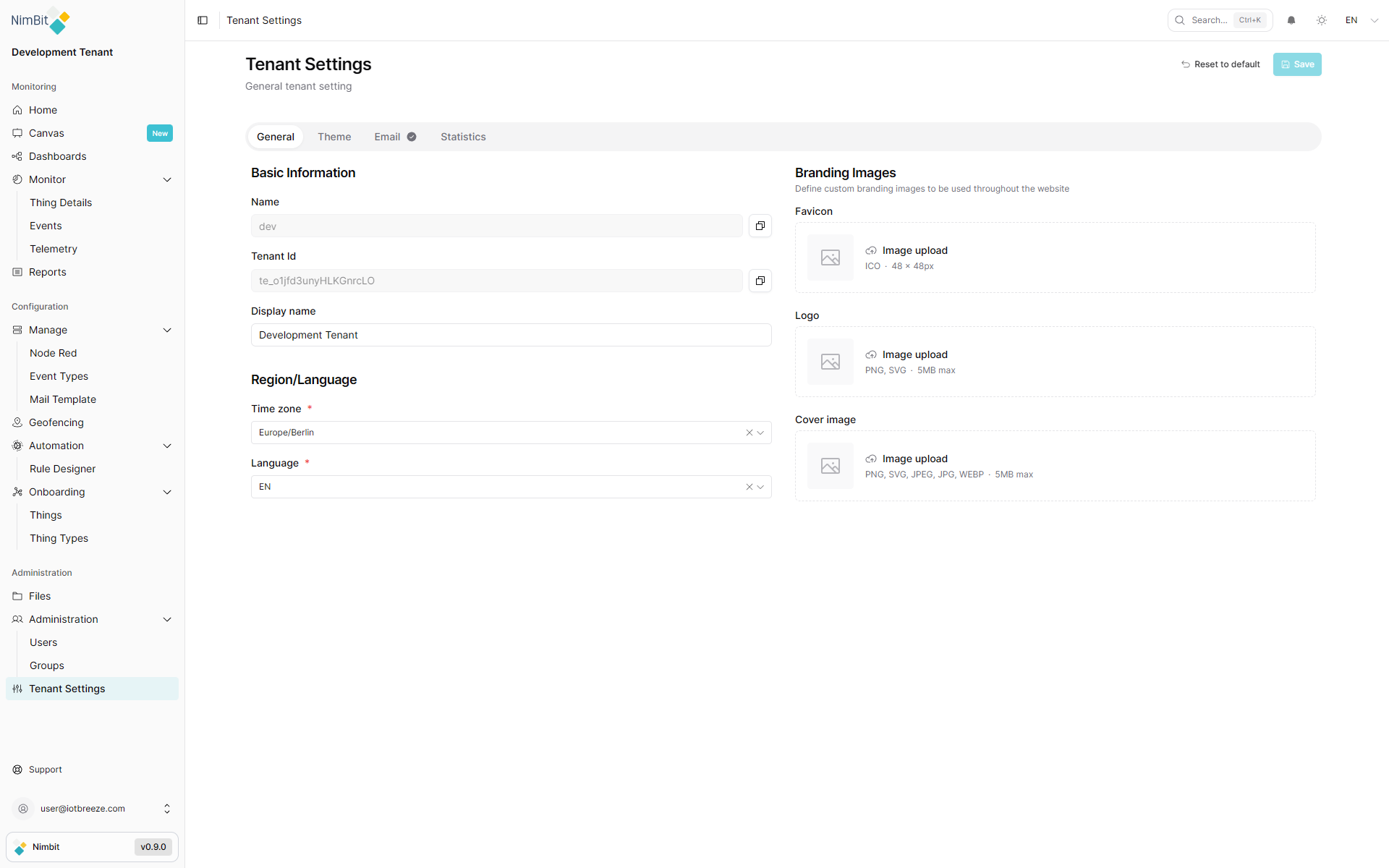
Basic Information
This section provides basic information and editable configuration fields:
| Field | Editable | Description |
|---|---|---|
| Name | ❌ No | System-generated tenant name (uneditable). |
| ID | ❌ No | Unique identifier for the tenant (uneditable). |
| Custom Name | ✅ Yes | A custom label that appears in the UI. |
| Timezone | ✅ Yes | Select the default timezone for your tenant. |
| Language | ✅ Yes | Choose the language for your environment. |
Images
You can upload brand-specific visuals to personalize your tenant's UI:
- Favicon - Small icon shown in the browser tab.
- Logo - Displayed in the header and login screen.
- Cover Image - Used as a background on the login screen.
All uploaded images will be reset when the tenant settings are restored to default.